AI Email
You’ve been using email like it’s 2005. It’s 2026.
In 2005, you sorted emails by hand, copied info to your CRM, and hoped nothing got buried. In 2026, your inbox sorts itself, connects to your CRM, and AI drafts your responses. Upgrade to 2026 email.
Free until you get results. Go live in 48 hours.
The problem
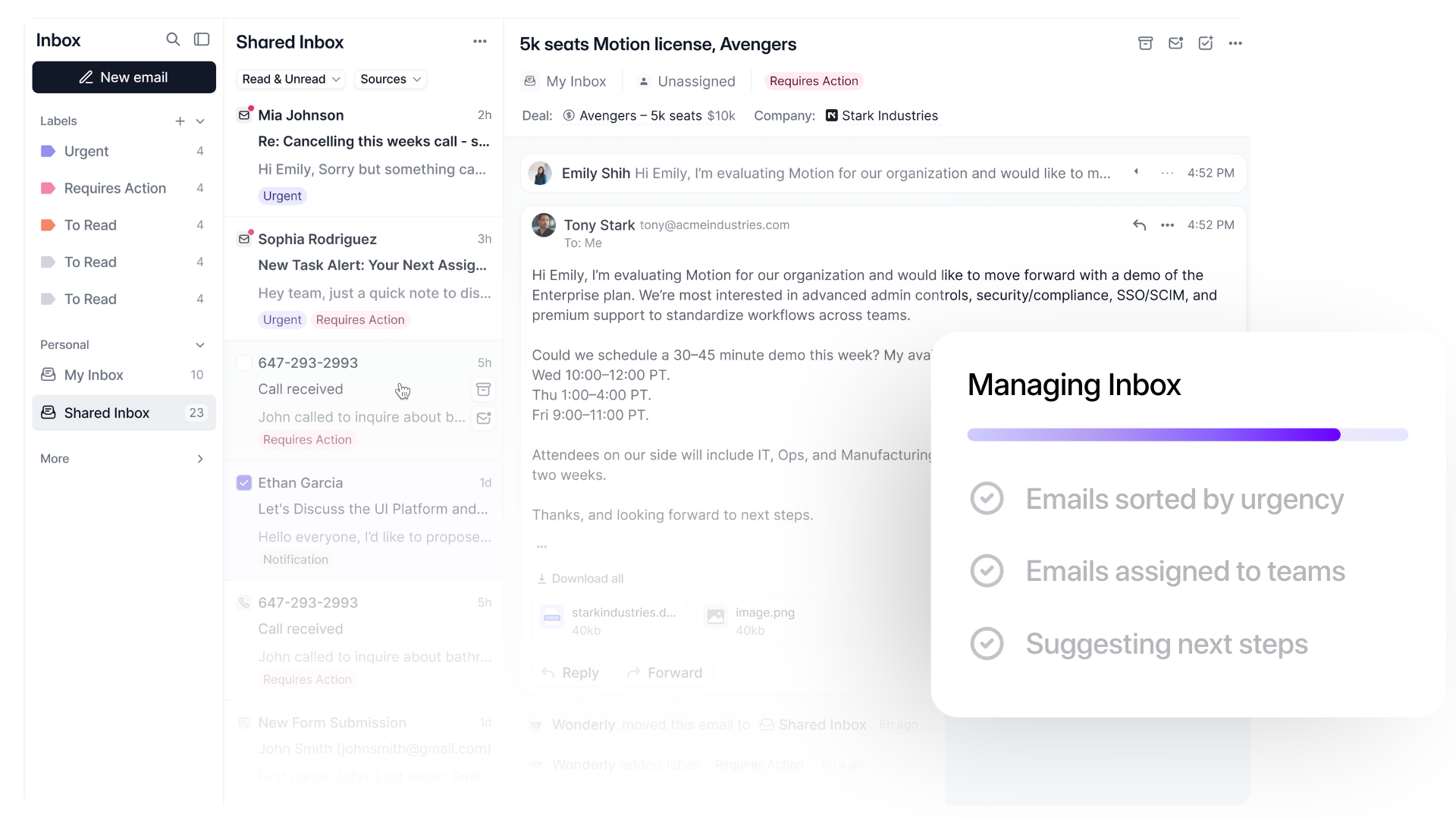
Every morning you open your inbox and start sorting. That's the problem.
You decide what's urgent. You copy info to your CRM. You figure out what you missed. You've been doing this for 20 years and never questioned it.
Manual sorting
47 unread. Where do you start?
A $10K deal and a newsletter look exactly the same. You have to figure out which is which.
Disconnected
Email here. CRM there.
You read an important email from a client and think "I should add this to the CRM." Then you forget. Or you spend 10 minutes doing it manually.
Wasted time
30+ minutes per day
You spend way too much time sorting, reading, and clearing your inbox. That’s 2005 behavior. It’s 2026 now.
Two decades of sorting emails by hand. That ends today.
Everything about running a business has changed since 2005. Except how you use email.
With Wonderly
Welcome to 2026
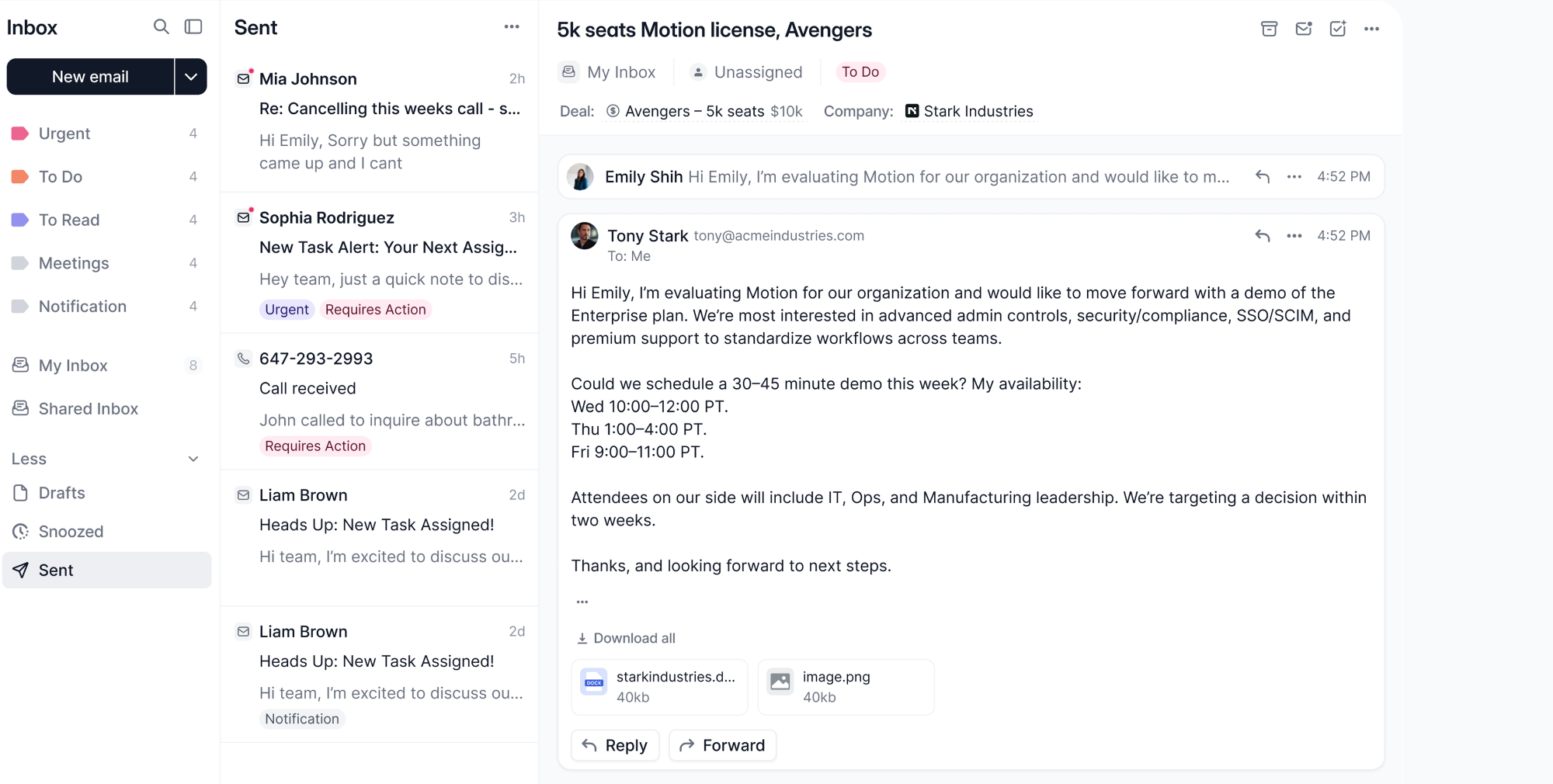
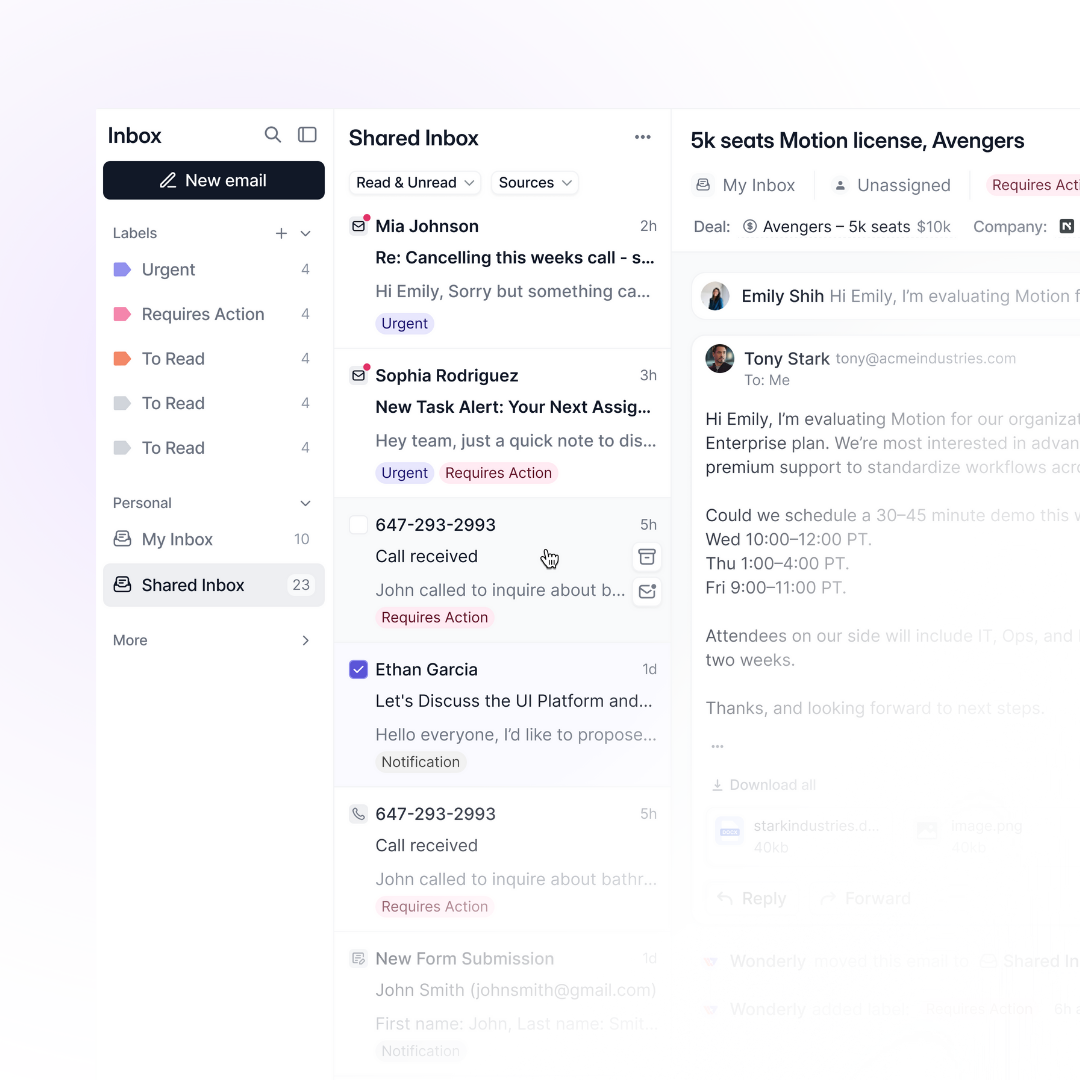
- You open your inbox. Emails are neatly sorted by category
- You know exactly what emails you need to respond to ASAP.
- Add a label to an email. It becomes a deal in your CRM. No copying.
- Shared team inbox. Everyone sees client emails. Add internal comments.
- AI drafts email responses. You review and send.
- Nothing slips through. You work on what matters.
The modern way
Without Wonderly
Living in 2005
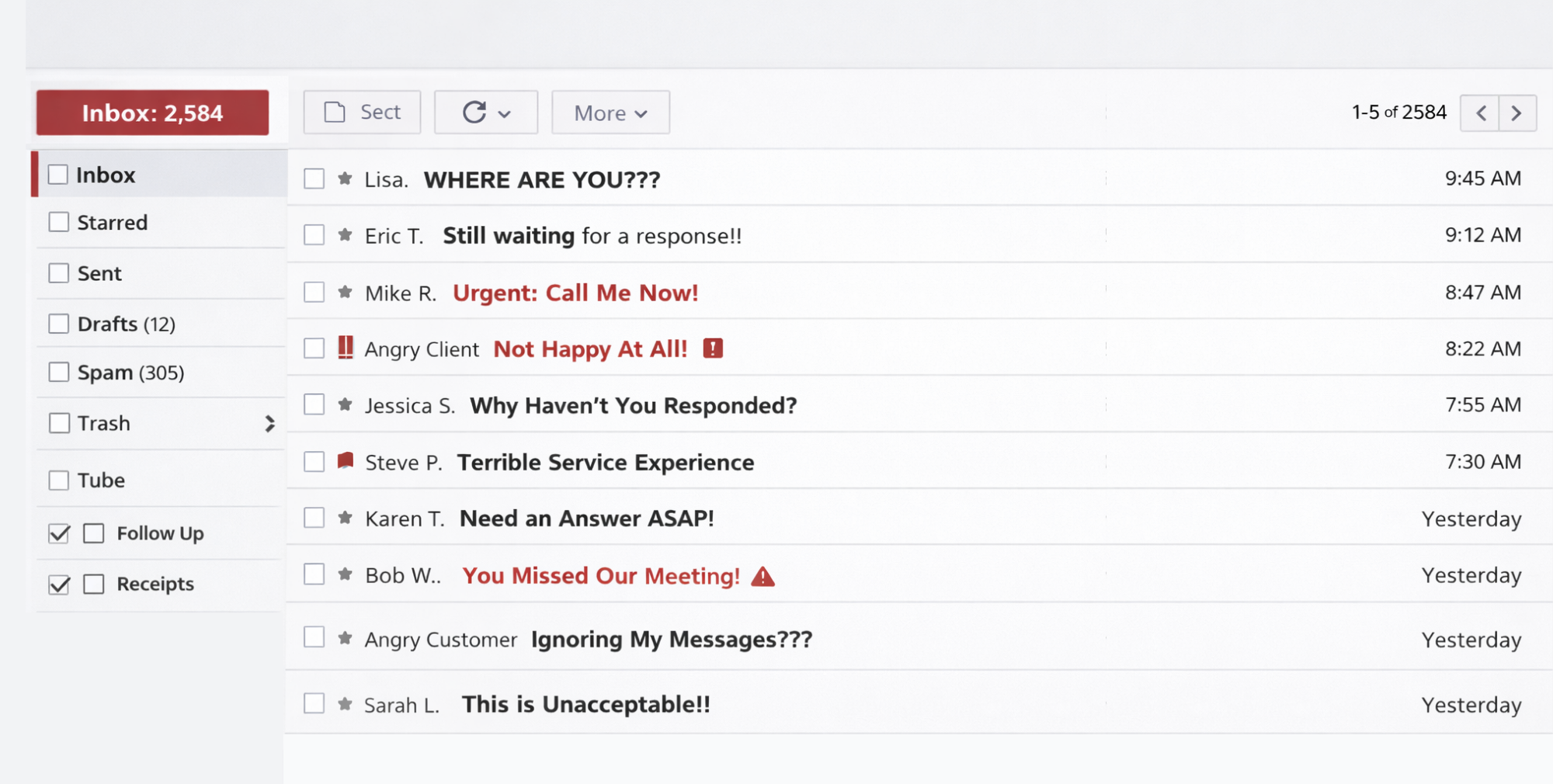
- You open your inbox and start deciding what's urgent.
- Client emails mixed in with newsletters and notifications.
- You read an email and manually copy info to your CRM. Or forget.
- Your team doesn't know what client emails came in.
- You spend 2 hours a day managing your inbox.
- You miss important tasks and client emails.
Run your business like it's 2026. Get Wonderly AI email and business platform.
Free until you get results. Go live in 48 hours.
Get back 30+ minutes every day.
That's how much time you spend sorting, searching, and switching between email and your CRM. Get it back.
30+ minutessaved per day
100%of emails sorted

Free until you get results. Go live in 48 hours.
Same Gmail. Same Outlook. Completely different experience.
Connect your existing email with one click. Keep your address. Get auto-sorting, CRM connection, team visibility, and AI drafts.
Free until you get results. Go live in 48 hours.
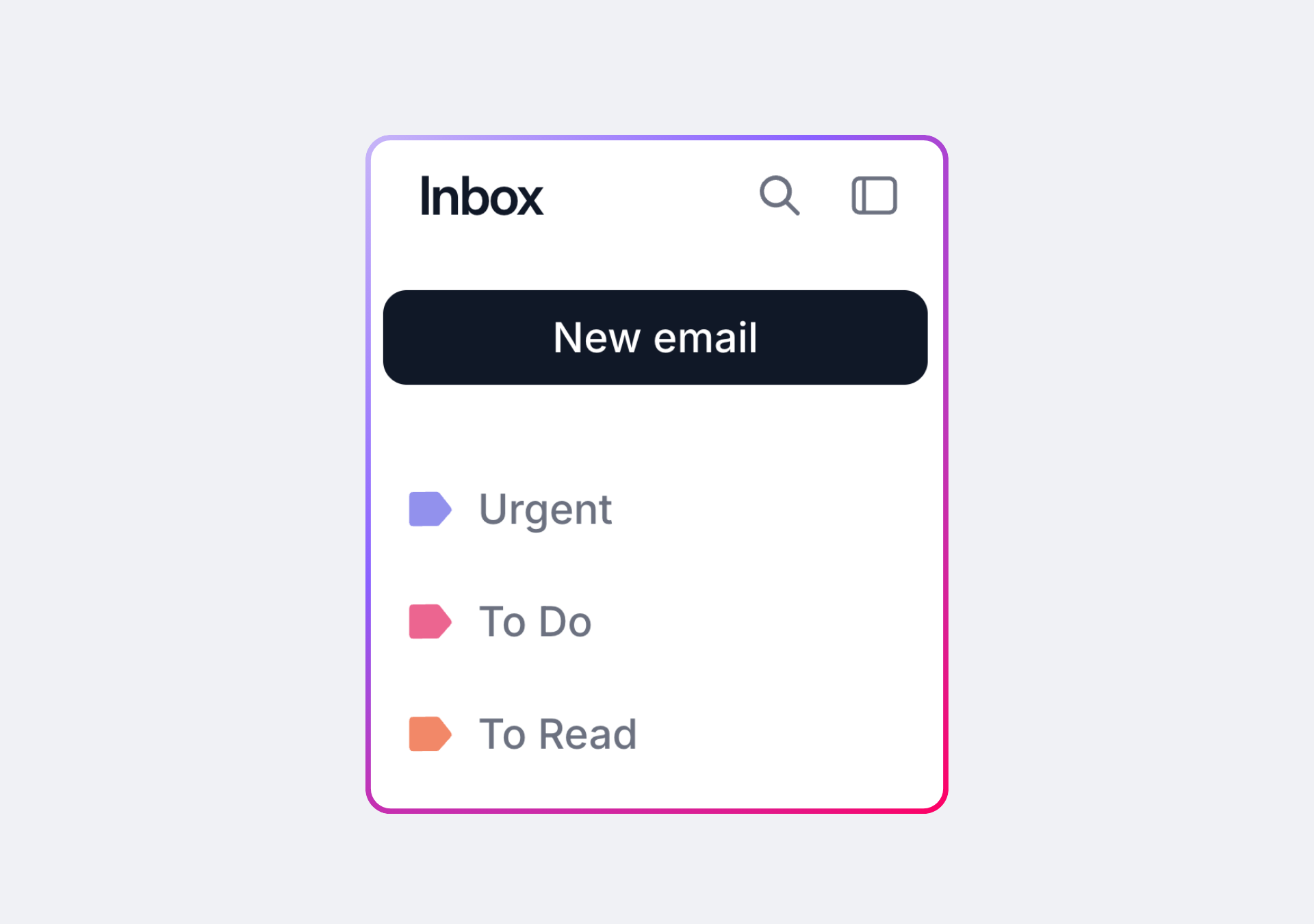
Emails sort themselves
Every email gets labeled automatically — Urgent, To Do, To Read, Meetings, Notifications. Client emails rise to the top. You open your inbox knowing exactly what to work on.
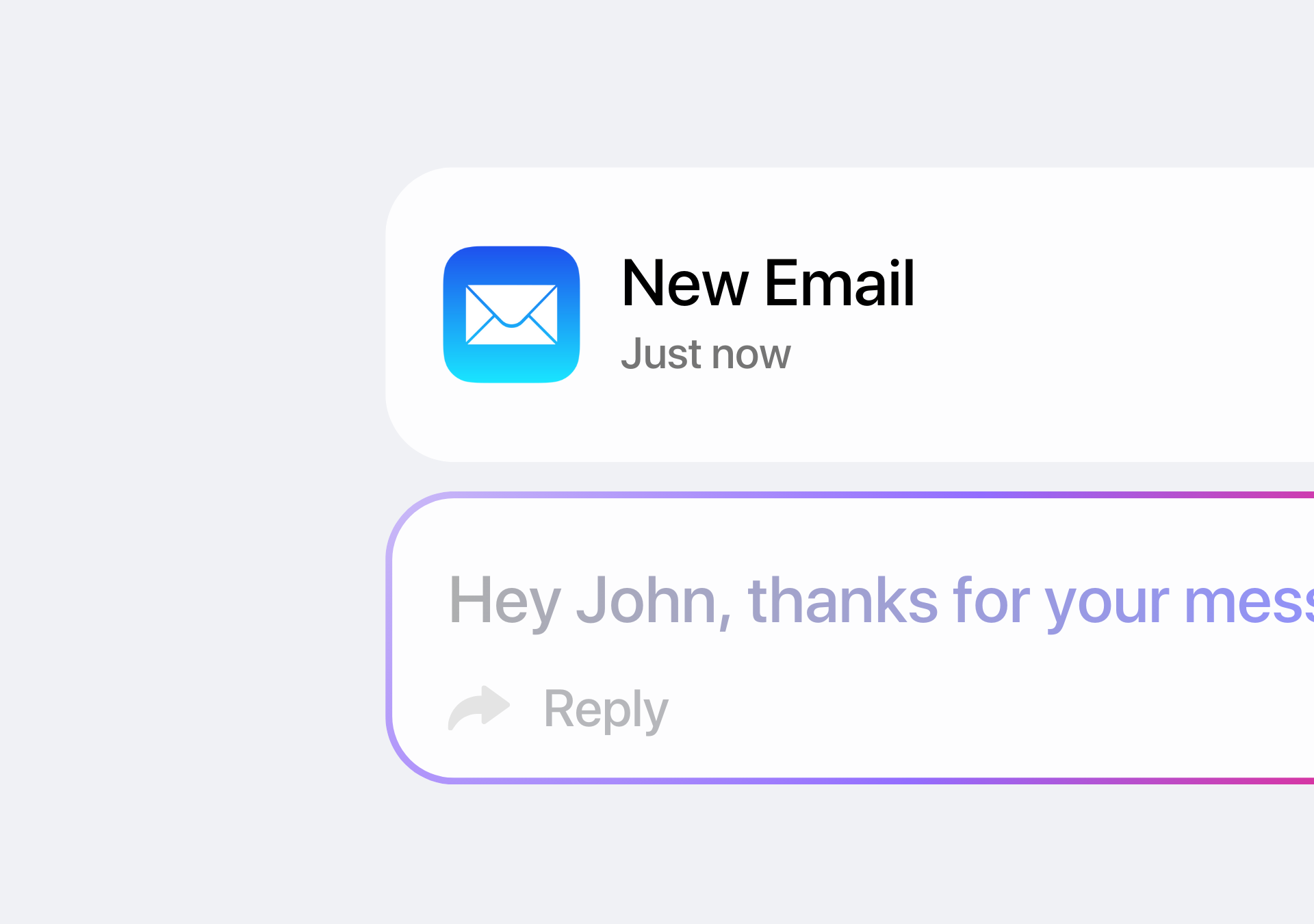
AI drafts email responses
AI drafts responses based on the conversation. You review, edit if needed, and send. Faster replies. You stay in control.
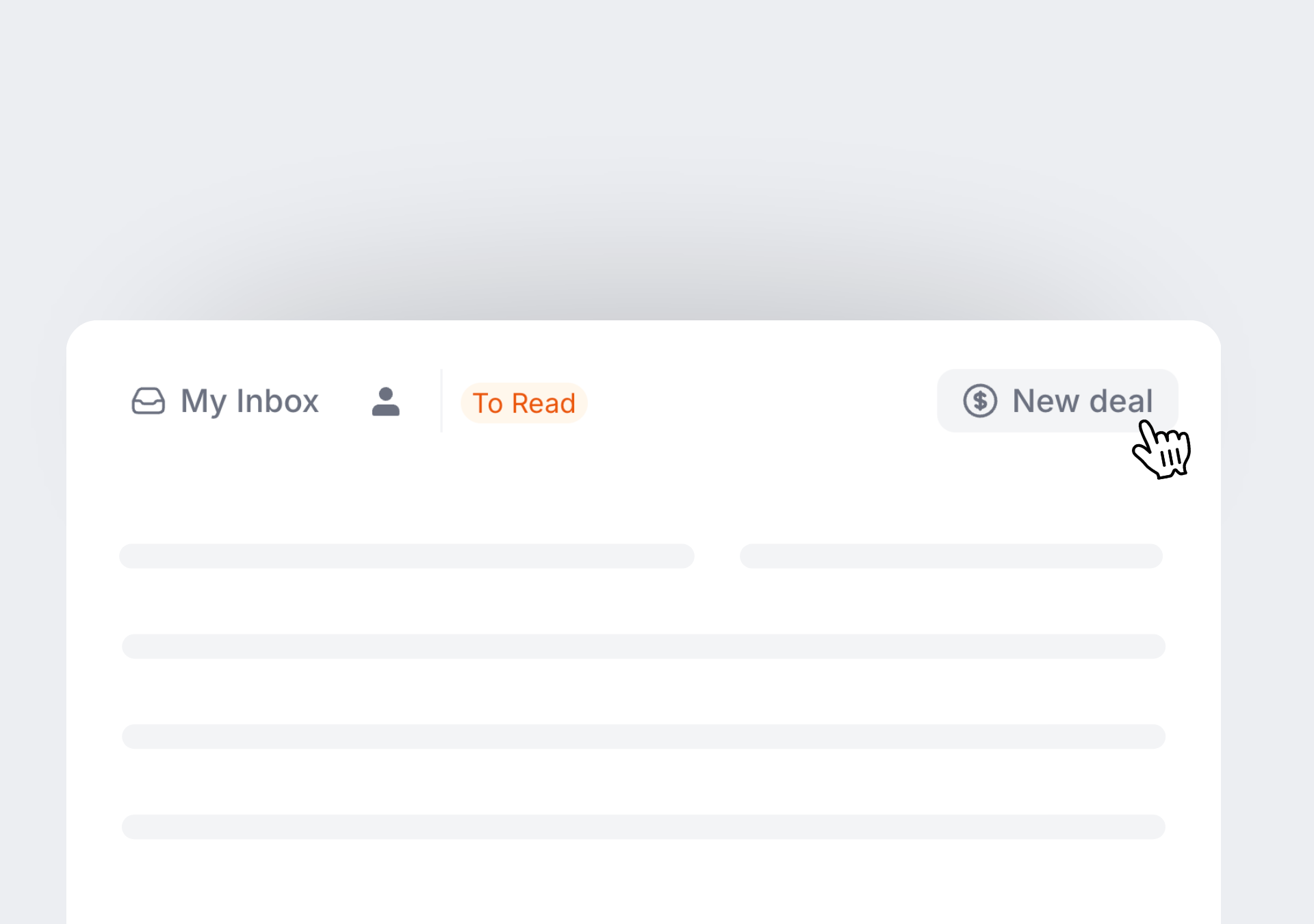
One label creates a CRM deal.
Tag an email and it becomes a deal in Wonderly. If an email is associated with a deal, you’ll automatically see that in your inbox as well. You can also see emails in the client record in your CRM.
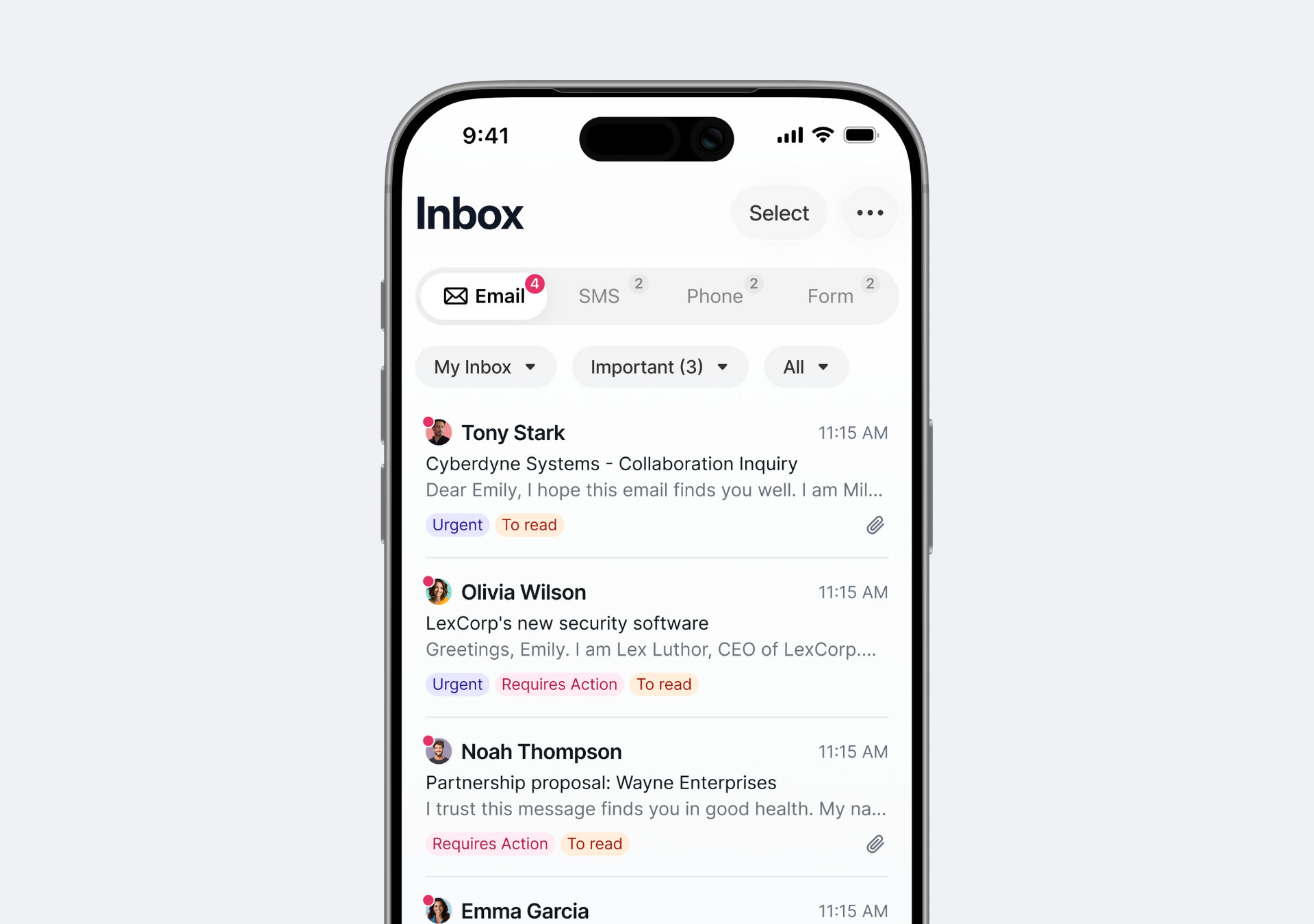
Team shared inbox
Shared inbox for client and team emails and notifications. Add internal comments to an email to discuss next steps. Everyone stays aligned without endless threads.
A few clicks to connect. Twenty years of manual work eliminated.
Step One
Connect your Gmail or Outlook in one click. Your team connects their emails. Everyone’s email addresses stay the same.
Step Two
That's it. Wonderly automatically handles new leads, organizes your inbox, routes messages to your team, and shows deal context in every email.
The 2026 features you wish Gmail and Outlook had.
Free until you get results. Go live in 48 hours.
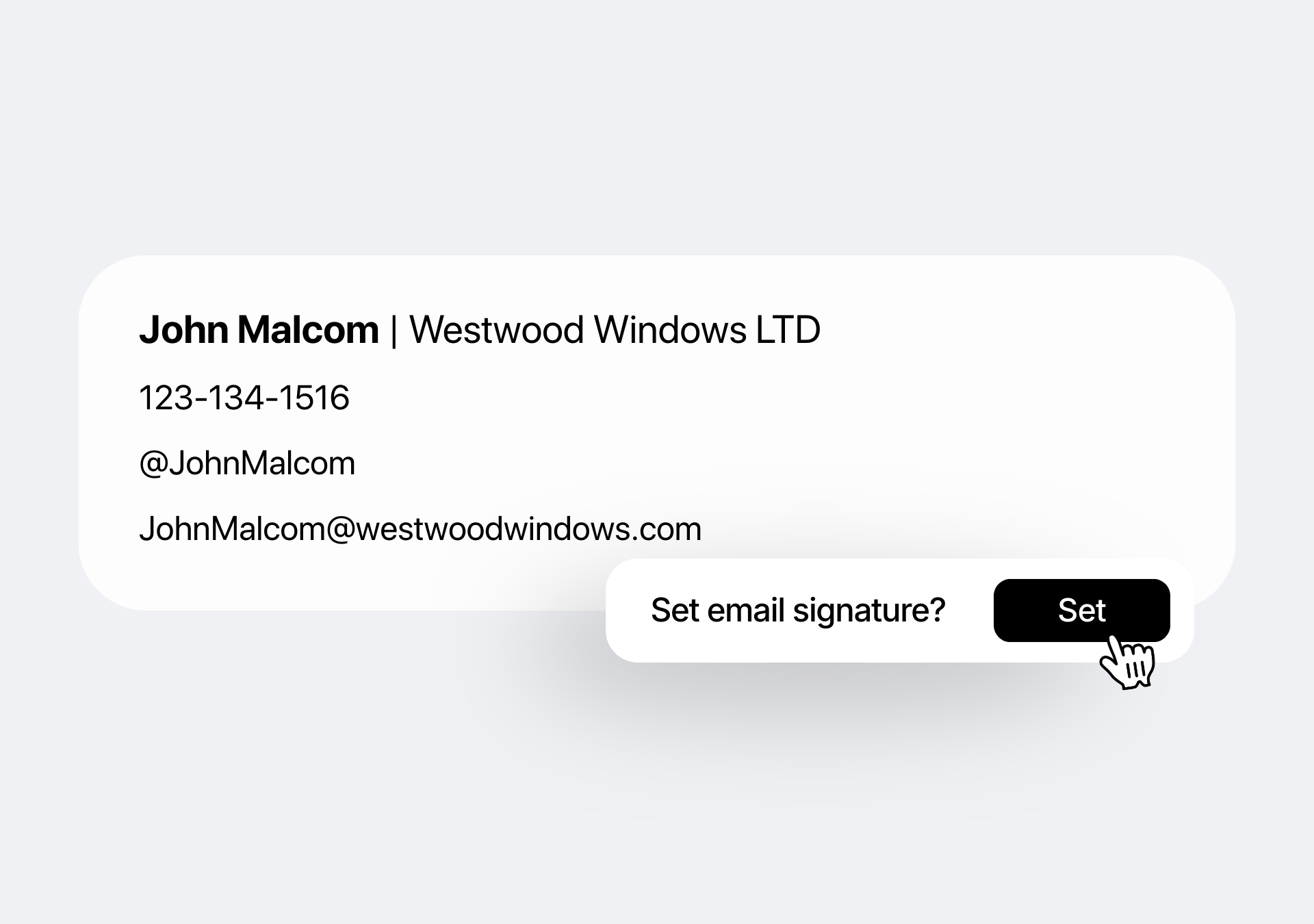
Professional signatures
Branded email signatures with your logo and contact info.
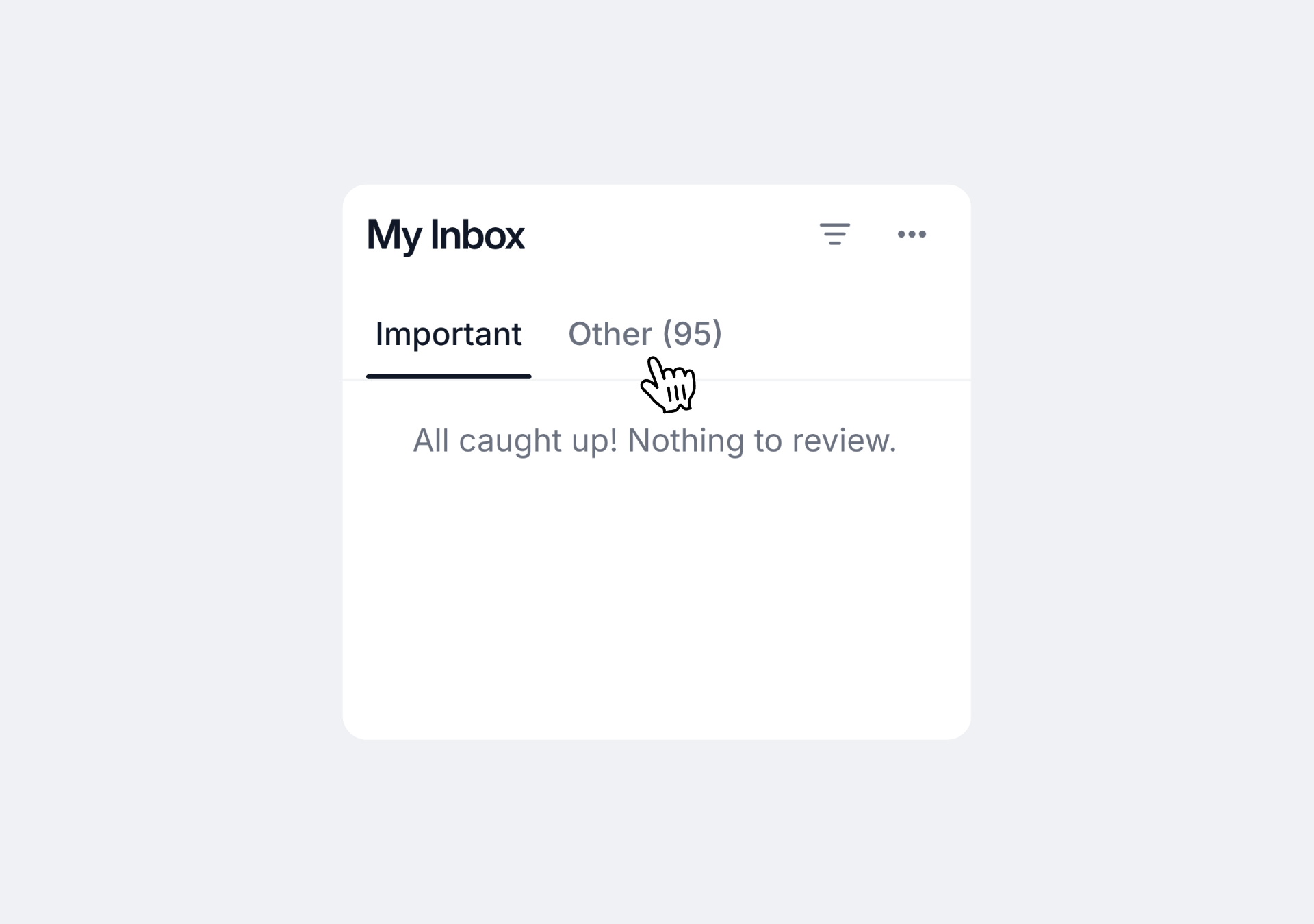
Spam filtering
Automatic spam detection keeps junk out.
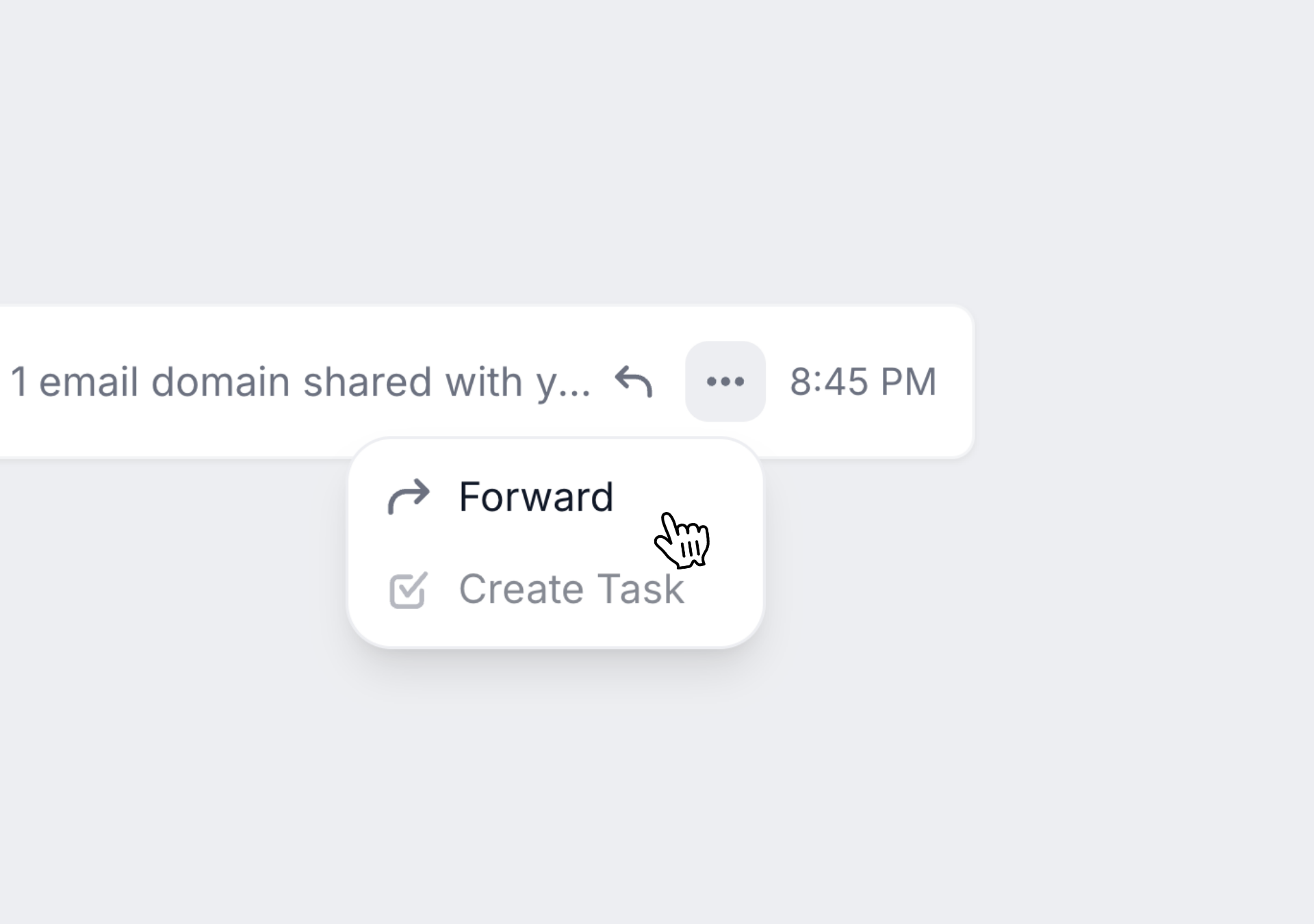
Email forwarding
Forward from other accounts into Wonderly automatically.
Multiple accounts
Manage multiple email addresses in one place.
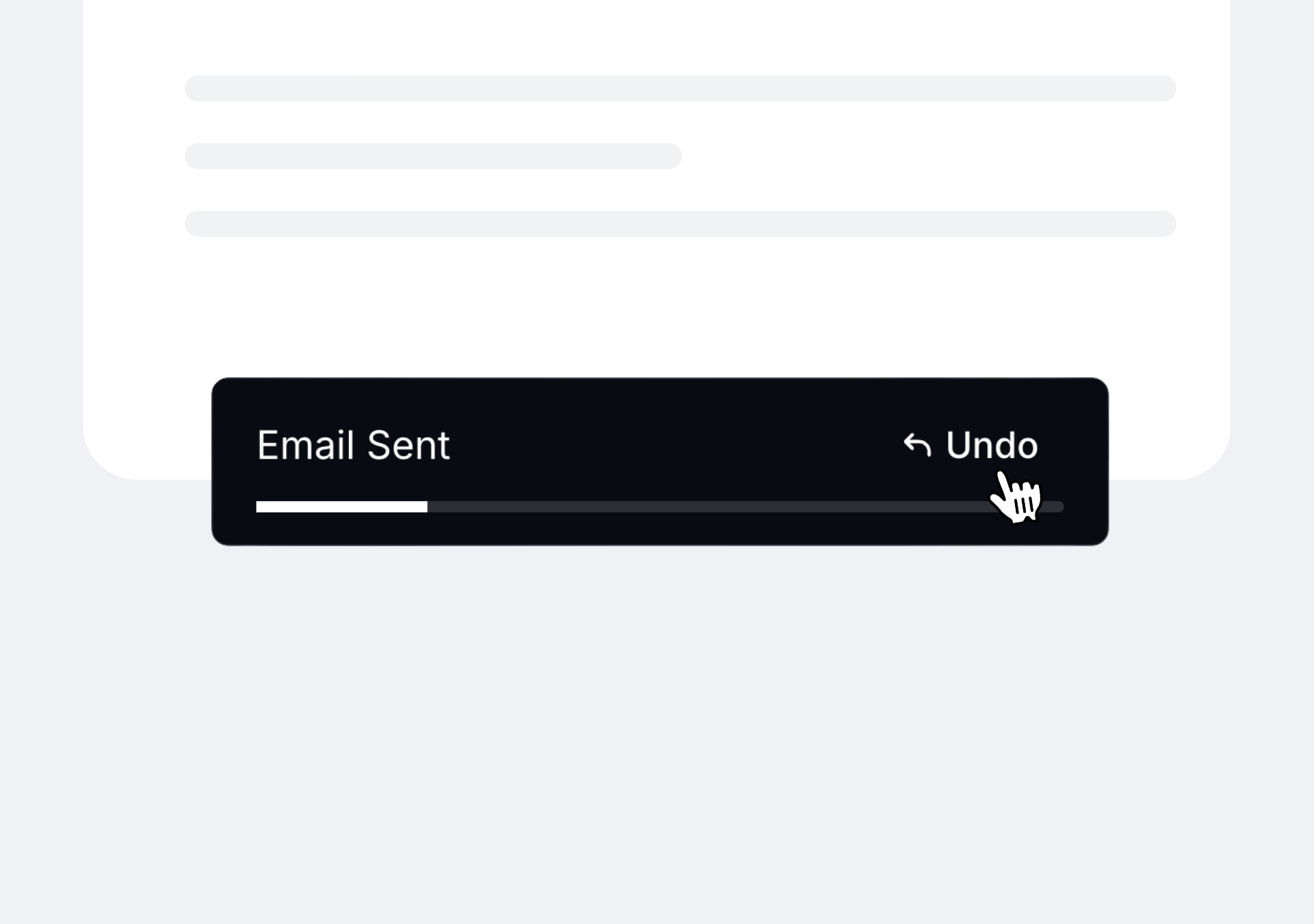
Undo send
Catch mistakes within 10 seconds of sending.
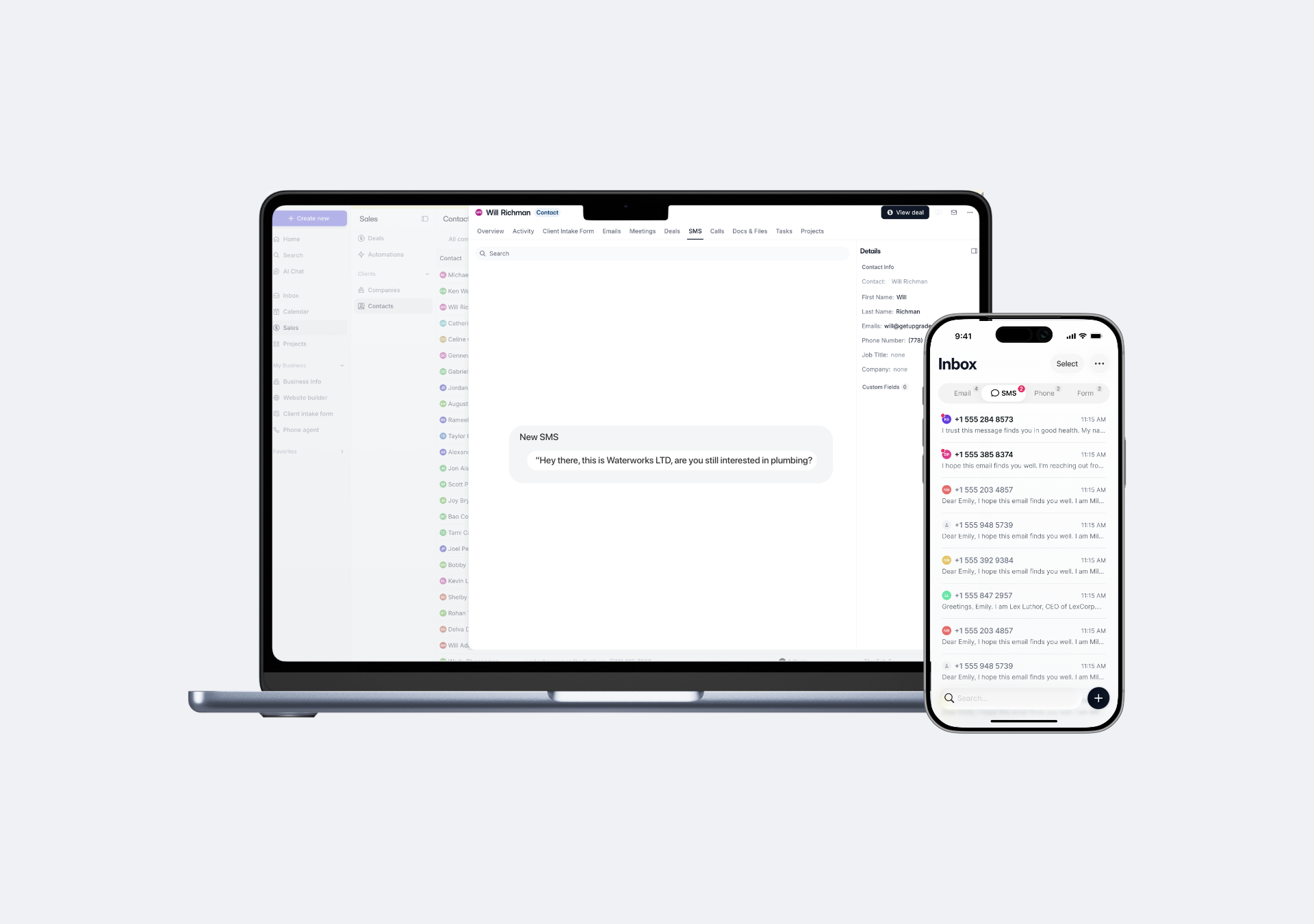
Mobile app
Access email from any device—respond to urgent clients anywhere.
Wonderly also includes:
14+ products that replace up to $51,906/year in software.
Run every part of your business on Wonderly. Get 67% more customers.
Lead intake and booking
Sales and Lead Follow-up
Frequently asked questions
Does this work with my Gmail or Outlook?
(And more great questions)
Does this work with my Gmail or Outlook?
Does this work with my Gmail or Outlook?
Yes. Connect your existing Gmail or Outlook with one click. Your email address stays the same. Wonderly adds auto-sorting, CRM connection, team features, and AI drafts on top.
Is this free?
Is this free?
The core email features — shared inbox, internal comments, CRM connection — are included with Wonderly's core tools, which are free forever. AI features — like auto-sorting and AI draft responses — are included with Wonderly AI, which is $295/month when paid yearly ($365/month billed monthly).
How do you make money then?
How do you make money then?
We make money from Wonderly AI. For $295/month (paid yearly), you get AI that automates your sales process, ads, project creation, and more. AI handles the work you and your employees shouldn't be doing manually. It pays for itself with time savings and new revenue. Wonderly's core tools — CRM, invoicing, e-signatures, and client portal — are free forever.
How does auto-sorting work?
How does auto-sorting work?
Every incoming email gets labeled automatically — Urgent, To Do, To Read, Meetings, or Notifications. Client emails get prioritized at the top. You always know what needs attention without sorting by hand.
How do emails connect to my CRM?
How do emails connect to my CRM?
Add a label to any email and it can do a specific action in your Wonderly CRM — like creating a deal in Wonderly automatically. The email, conversation history, and activity stay connected to the client record in the CRM as well.
What is the shared team inbox?
What is the shared team inbox?
It’s an inbox your whole team can see. It shows client emails, lead notifications, and team messages in one place. Add internal comments to discuss without forwarding or creating side threads. Move an email in your private inbox to your shared inbox for your team to handle it.
Does AI send emails automatically?
Does AI send emails automatically?
No. AI drafts responses for you, but you review and send them yourself. You stay in control.
Can I still use Gmail or Outlook directly?
Can I still use Gmail or Outlook directly?
Yes. Your email syncs both ways. Use Wonderly or your regular email app — whatever works for you.
How is this different from Superhuman or Front?
How is this different from Superhuman or Front?
Superhuman offers advanced email features, but doesn't connect to your CRM or create deals. Front is a shared inbox tool but doesn't auto-sort or connect to your CRM, invoicing, and projects. Wonderly does all of it in one platform.
2005 called. It wants its outdated way of handling emails back.
Welcome to 2026 where emails sort themselves, AI drafts responses, and email is actually easy and fun to use.
Free until you get results. Go live in 48 hours.